Cyto Academy and Startup Guide
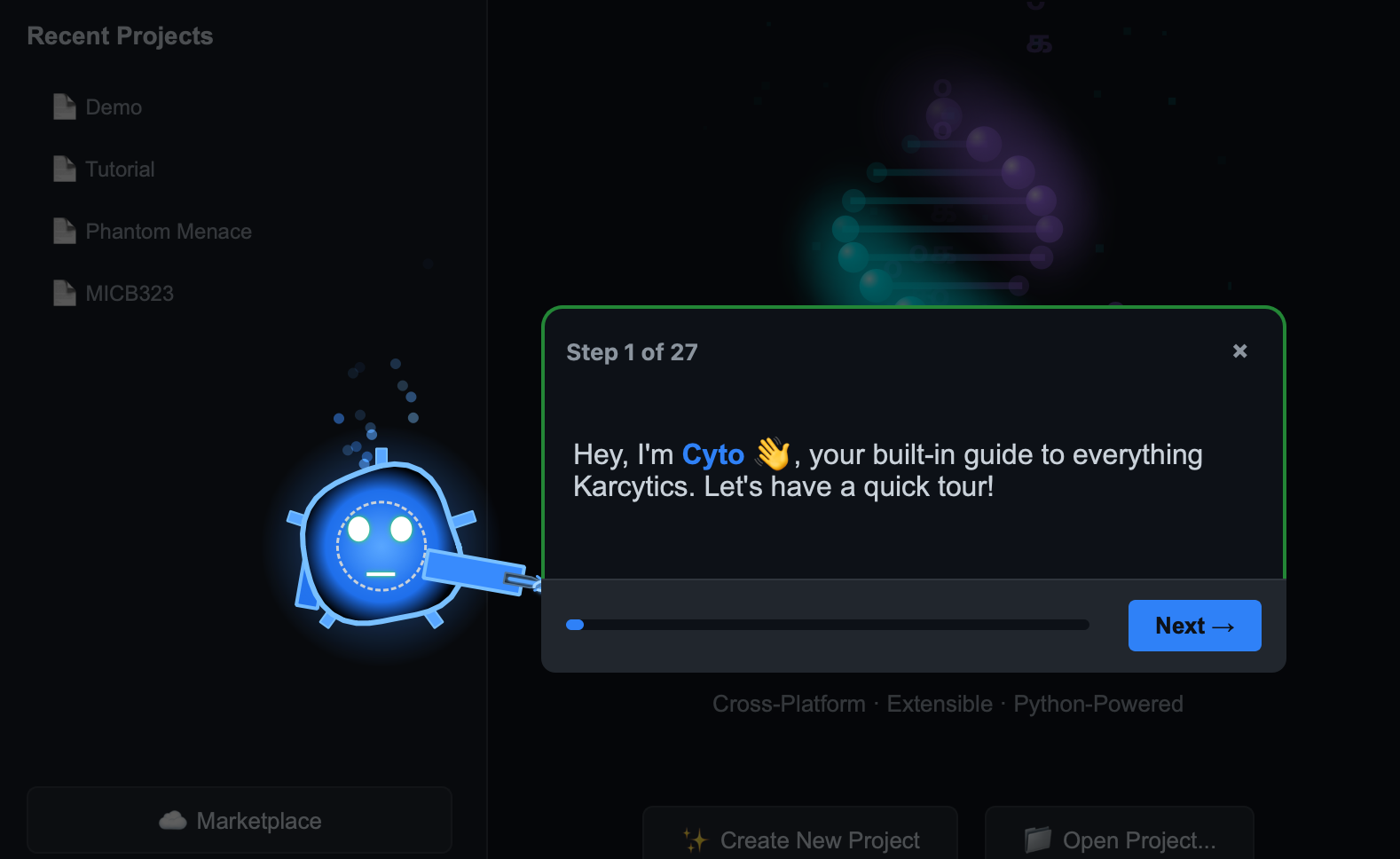
Karcytics includes an interactive learning experience led by Cyto, the app’s academy guide. Cyto helps new users learn the platform, discover workflow patterns, and complete a guided startup course inside the app.
What is Cyto Academy?
Cyto Academy is Karcytics’s built-in onboarding and training workspace. It is designed for new users who want a guided introduction to the core platform and the most common analysis workflows.
- Cyto is the friendly mascot and guide character for the academy experience.
- Courses are organized around workflows, modules, and practical tasks.
- Startup guides introduce the Project Hub, Workspace, and plugin installation.
[!NOTE] You can use Cyto Academy even after your initial setup. It is a good way to refresh your knowledge or explore a new analysis module.
Launching the Academy
- Open a Karcytics project or create a new one.
- Click the 🎓 Academy button in the workspace toolbar or from the Home Screen.
- Choose a course or startup guide from the available list.
What you will learn
Cyto Academy includes lessons such as:
- Startup Guide — learn how the Project Hub, project files, and module workflows fit together.
- Module-specific courses — follow guided lessons for individual analysis modules.
- Project best practices — understand safe project closing, backups, and sharing.
Each course is made up of step-by-step tasks that Cyto presents in the app. Progress is tracked locally so you can resume where you left off.
Using the Startup Guide
The startup guide is the recommended first course for new users.
- Follow Cyto’s prompts to open a project.
- Install a sample module from the Marketplace if needed.
- Explore the workspace layout and key controls.
- Complete a simple example analysis.
When to use Cyto Academy
Use the Academy whenever you want:
- a guided refresher on a feature you have not yet used,
- help understanding a new plugin’s workflow,
- a safe way to learn the app without affecting your main project data.
If a course requires a module you do not have installed, Cyto will prompt you to install it from the Marketplace.